Telehealth workflow: a practical guide and checklist
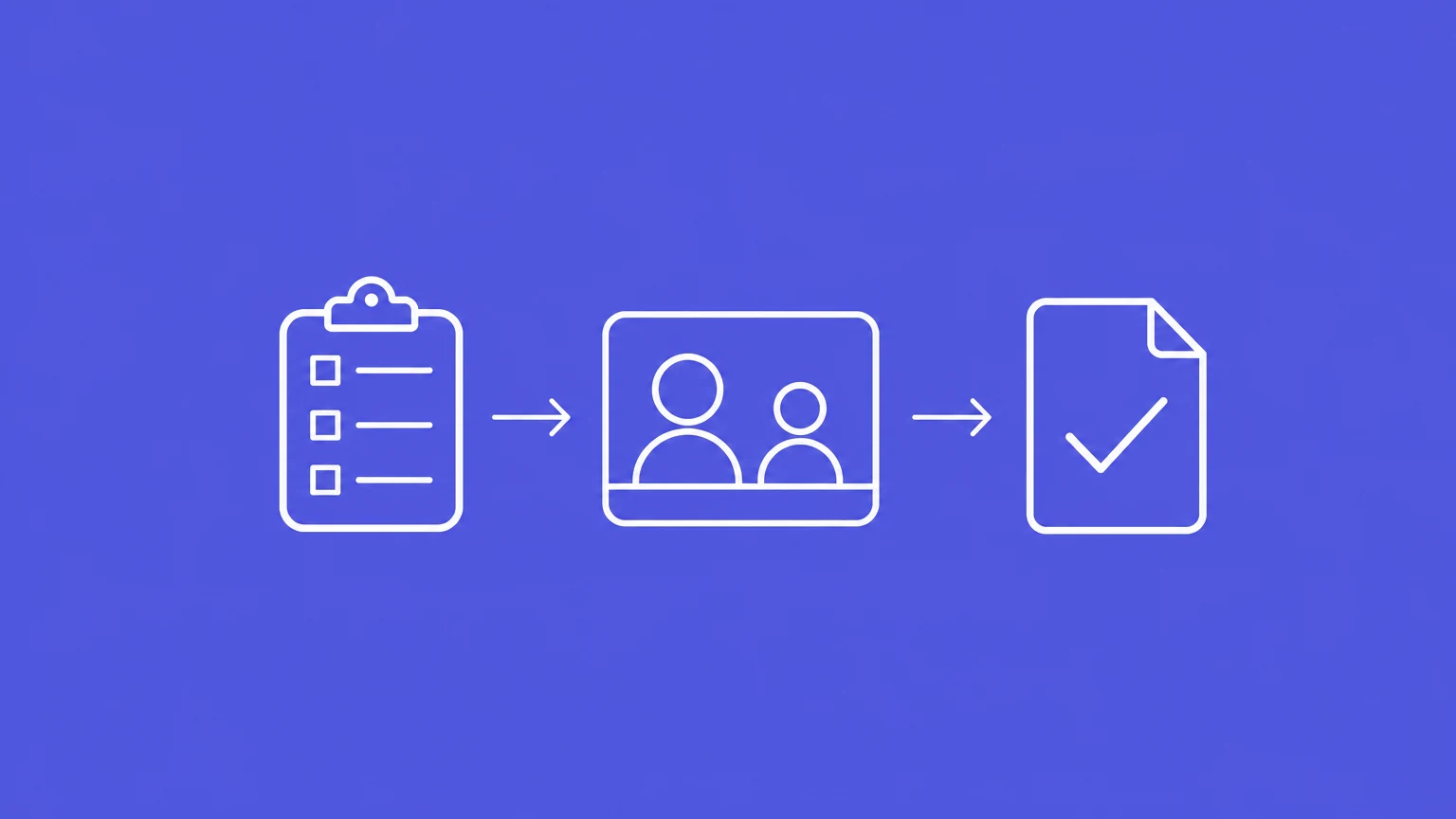
A telehealth consult starts before the call connects and leaves work to complete after it ends. Patients need clear joining instructions, clinicians need a usable connection, and practice teams need to know who owns the next action.
For Australian clinicians and practice teams, a shared telehealth workflow connects preparation, the consultation and follow-up. A printable consultation checklist gives your team a practical prompt for that sequence, while leaving clinical decisions with the treating clinician.
What is a telehealth workflow?
A telehealth workflow is the sequence of tasks and handoffs that moves a patient through remote care. It covers booking and preparation, starting and conducting the consult, agreeing the plan, and completing the resulting actions. Here, the focus is real-time phone and video consultations.
The useful unit is a completed handoff. A booking becomes ready when the patient has the instructions and support they need. A follow-up action becomes manageable when someone owns it and knows when it is due.
Use these stages alongside your profession's National Board standards and local procedures. The Australian Health Practitioner Regulation Agency (AHPRA) provides virtual-care guidance across registered health professions. The Medical Board's telehealth guidelines apply to doctors; guidance from the Royal Australian College of General Practitioners (RACGP) is specific to general practice.
The workflow and checklist support team organisation. They do not establish legal compliance or replace a clinical protocol, consent form or patient record.
| Stage | Suggested lead | Handoff to make explicit |
|---|---|---|
| Booking and access | Reception or practice team | Joining instructions, support needs and any suitability question reach the clinician. |
| Preparation and consultation | Treating clinician | The patient understands the process; the clinician decides whether remote care remains appropriate. |
| Closing the consult | Clinician with the patient | Both understand the plan, delivery arrangements and next steps. |
| Follow-up | Accountable clinician and named team members | Each outstanding action has an owner, a due time and a way to confirm completion. |
One person may cover several roles in a small practice. In a larger service, separate administrative tasks from clinical decisions so the handoff does not transfer judgement to someone outside their role.
Printable telehealth consultation checklist
An adaptable team prompt for Australian clinicians and practice teams. It is not a clinical protocol or a form that establishes legal compliance. Use it alongside professional guidance and local procedures, with roles allocated for your setting.
Before the consult
- Consider whether phone or video suits the patient, purpose and information needed.
- Give the patient joining instructions, the expected call window and a contact for help.
- Arrange relevant language, cultural, accessibility and support-person needs.
- Prepare a private clinician space, secure technology, clear audio/video and access to the relevant patient record.
- Have a callback number and reconnection plan ready. Explain who will call back.
At the start and during
- Introduce participants and confirm patient identity using relevant professional and local procedures.
- Explain the process. Confirm privacy, participation, understanding and relevant consent.
- Apply relevant professional guidance to the specific recording or AI-scribe workflow. Obtain and record any required consent before capture.
- Confirm the patient's current location when relevant to care or an urgent safety response.
- Allow time for questions and accessible communication. Clarify anything lost through poor sound or video.
- Reassess suitability throughout. Arrange appropriate alternative care if remote care is insufficient.
Before ending the call
- Summarise the plan, invite questions and confirm the patient's understanding.
- Explain how prescriptions, requests, referrals or written information will reach the patient.
- Agree who does what next, the timing and follow-up, including patient-specific advice on seeking further help.
After the consult
- Complete and send agreed actions through approved channels.
- Follow your practice's documentation review and filing process. The clinician reviews AI-generated draft notes and makes needed edits before saving.
- Assign outstanding follow-up or handover to a named person with a due time.
- Track outstanding actions in the practice follow-up system. Address gaps under local procedures.
Download the printable checklist.
Before the consult: make the appointment usable
Separate booking readiness from clinical suitability
At booking, collect enough information to route the appointment under your practice's procedures. Reception can explain the process and identify access difficulties. Questions about whether the patient's needs can be met remotely belong with a clinician.
Ask about a usable device or telephone, connection, a private place and relevant communication support. A video link alone does not tell you whether the patient can join or participate. AHPRA's practice-manager guidance supports understandable information, technical troubleshooting and attention to language, cultural and communication needs.
Make the appointment message specific:
- Will the clinician call, or does the patient join through a link?
- What is the appointment time or expected call window?
- How does the patient get help if they cannot connect?
- What support, such as an interpreter, has been arranged?
Explain any fees through your usual booking process. Keep Medicare eligibility and item selection in the practice's separate billing workflow.
Prepare the room, record and connection
A private consulting space protects both sound and screen content from people outside the patient's care. Have the relevant record available and use secure, reliable technology suited to the clinical purpose. For doctors, these preparations and a process to continue or reschedule after technology failure are part of the Medical Board guidance.
Make audio and video readiness part of setup before the patient joins. If you use an AI scribe, include its audio route in that preparation. Our clinical AI platform supports phone and video consults; on computer-based calls, Lyrebird can capture shared tab audio in Chrome or Edge, including when you use a headset. Review the draft clinical note and make any needed edits before saving it through your practice's filing process.
Have a callback number ready and agree who will reconnect if the call drops. This is a practical contingency, rather than a universal legal script. Confirm the patient's current location when it matters to care or an urgent safety response; this is a context-dependent safety prompt, not a universal telehealth record requirement.
During the consult: keep reassessing suitability
Establish who is present and how the consult will work
Introduce yourself and everyone participating, including interpreters or support people. Confirm the patient's identity through the procedures relevant to your profession and setting. Explain what to expect and allow questions before moving into the clinical discussion.
Confirm whether the patient can speak privately and whether anyone else can hear or see the consult. A booked appointment does not establish that the environment is usable when the call begins. These opening steps align with AHPRA's consultation guidance.
Keep agreement to a phone or video consultation separate from another person's participation, digital recording or upload, and AI-scribe capture. Apply the relevant professional guidance and the notice and consent process for that specific workflow.
Obtain and record any consent required before capture begins. Our guide to AI-scribe consent addresses capture specifically, rather than consent to the consultation modality.
Make communication deliberate
Leave space for the patient to finish speaking, especially when audio is delayed. Clarify information obscured by sound or video problems. Explain pauses while you read the record or write, so the patient knows you are still engaged. These are practical communication measures in the RACGP consultation flowchart.
Use the arranged language and accessibility support, and adapt communication to the patient. AHPRA's guidance includes culturally safe care for Aboriginal and Torres Strait Islander patients as well as language, accessibility and communication needs.
Reconsider the mode as information emerges
Suitability is an ongoing clinical decision. A successful connection does not mean the information available is sufficient for the assessment or care needed.
If telehealth cannot support appropriate care, explain the limitation and arrange an appropriate alternative. The Medical Board's expectations include ongoing assessment of appropriateness and in-person care when necessary. The clinician determines the next step and urgency under the applicable clinical guidance and local pathways.
Close the consult: make the next action explicit
Summarise the agreed plan and invite questions before disconnecting. Ask the patient to describe what they understand will happen next, particularly where several actions are involved. Explain how they will receive any prescription, investigation request, referral or written information. These closing and delivery arrangements appear in the RACGP consultation flowchart.
For each next step, distinguish:
- The patient's action: what they need to do and when.
- The practice's action: what the team will arrange, send or monitor.
- The clinical follow-up: who will review progress and the intended timing.
Give patient-specific advice about when and where to seek further help. Our clinical safety-netting guide covers that conversation in more detail.
Avoid an ambiguous ending such as “We'll send everything through.” Name the documents, delivery route and next contact. A patient who cannot access the agreed channel needs a workable alternative before the consult ends.
After the consult: complete the handoff
Turn the agreed plan into allocated work. Keep clinical responsibility clear even when another team member sends a document or books an appointment. Use a handoff that distinguishes the plan, task allocation, any draft-note review and completion.
| Action | Example allocation | Completion signal |
|---|---|---|
| Send a referral | Clinician reviews and signs; authorised team member sends through the approved channel. | Sending is recorded; any required acknowledgement or follow-up remains tracked. |
| Arrange a review | Clinician sets the timing; reception books or contacts the patient. | Appointment is arranged, or the unresolved booking returns to the responsible person. |
| File an AI-generated draft note | Clinician reviews the draft and makes needed edits before saving under the practice's filing process. | The reviewed note is saved in the correct patient record. |
These are operational examples, not fixed staffing rules. They make the difference between “requested”, “sent” and “complete” visible.
Finish the clinical record under the requirements that apply to your profession and consult, including relevant technology or technical issues. Keep detailed note content in your documentation workflow; our clinical note-writing guide covers general record quality.
Where indicated, arrange follow-up or handover, and share relevant information with other treating practitioners with the patient's consent and when appropriate. The Medical Board's follow-up guidance sets out these continuity-of-care expectations for doctors. Put outstanding actions into the practice's follow-up system so they remain visible after the appointment closes.
Where Lyrebird fits in the workflow
Clinical attention and clinician review stay at the centre. Lyrebird supports the drafting step: our AI scribe captures the consult conversation and generates a structured draft clinical note. You review it for omissions, unsupported statements and accuracy, then make any needed edits before saving it in the patient record through your practice's filing process.
For telehealth, that makes audio preparation and the separate capture-consent process part of the setup. Apply relevant professional guidance to your specific workflow, obtaining and recording any consent it requires before capture.
It does not remove the need to assess suitability, explain the plan, arrange alternative care or allocate follow-up. A drafted note also does not complete a referral or close an outstanding task.
Use the checklist as a shared team prompt, then address recurring gaps in joining instructions, reconnection or handoffs. Keep each improvement tied to a patient or team need rather than adding steps that serve no purpose.
To discuss how Lyrebird can support draft notes within your telehealth workflow: