Patient Communication Software: A Buyer’s Guide for Australian Clinics
Patient communication software can make follow-up clearer for patients and more accountable for clinical teams. It can also create a new inbox, another incomplete record and new privacy risks when the workflow is poorly defined. Australian clinic leaders need to choose the communication job first, compare representative options on consistent criteria and run a useful vendor demo.
Lyrebird Health publishes this guide and Lyrebird appears in the comparison. We assess every option by the same workflow, integration, governance, accessibility and commercial questions. The products serve different jobs, so the comparison is a fit guide rather than a market ranking.
What is patient communication software?
Patient communication software helps a care team create, send, receive or track communications with patients through agreed clinical and administrative workflows. Depending on the product, that may include SMS or email messages, recalls, patient questions, approved education resources or a clinician-reviewed post-consult summary.
The category includes several different product models:
- a communication function inside a practice management system (PMS)
- a communication layer connected to an existing PMS or clinical system
- a dedicated patient-education platform
- a clinical AI platform that turns consult documentation into reviewed patient-facing documents
These models are not interchangeable. A two-way patient inbox has different safety requirements from sending an approved information sheet. A reminder product does not necessarily manage a clinical reply. A drafting tool does not necessarily track delivery, patient preferences or follow-up.
Full PMS, booking, intake and generic forms comparisons sit outside this scope, as do hospital discharge summaries and longitudinal medical summaries. A patient-facing post-consult summary is one possible downstream communication, rather than the definition of the category.
Choose the workflow before the software
Start with one communication loop that is currently failing or consuming too much staff attention. Name its trigger, owner, recipient, channel, expected response and endpoint in the patient record. This quickly separates essential capabilities from attractive extras.
| Communication job | Capability to prove | Safety and ownership question | Useful measure |
|---|---|---|---|
| Answer patient questions | Two-way inbox, routing, status and escalation | Who owns each message, and what happens after hours or when urgent symptoms are mentioned? | Time to first response and time to closure |
| Send clinician-approved next steps | Drafting or templates, approval, recipient check and delivery evidence | Who reviews clinical content and confirms the intended recipient before sending? | Delivery failures, corrections and recurring questions |
| Coordinate recalls or follow-up | Patient cohort selection, contact sequence, exception queue and record write-back | Who follows non-response, failed delivery or a patient reply? | Contact completion and unresolved exceptions |
| Deliver patient education | Curated content, version control, tailoring and accessible alternatives | Who approves the resource and keeps it current? | Resource access and patient understanding |
| Send appointment notices | Channel preference, confirmation or cancellation action and PMS write-back | Does a response change the source appointment record or create manual reconciliation? | Failed messages and unreconciled responses |
If several rows matter, decide whether one platform can own the complete loop. A broad feature list is less useful than evidence that the trigger, hand-off, exception and record update all work in your environment.
Six criteria that separate a useful tool from another inbox
1. The whole communication loop
Ask whether the product supports one-way sending, two-way conversation or both. Then map what happens to replies, failed delivery, opt-outs, wrong contact details and messages received outside business hours.
The product should make ownership visible. A shared inbox still needs an accountable team, response times, escalation rules and an emergency warning. The RACGP communication standard gives general practices a useful benchmark for defined channels, routing, response times, emergency limitations and recording communications.
2. Integration at the exact workflow step
“Integrates with our PMS” is too broad for a buying decision. Ask the vendor to demonstrate the exact product version and deployment used by your clinic.
Trace where patient identity, contact details, appointments, recalls, message content, delivery status, replies and clinician approval originate. Then identify which fields write back, where the complete record sits and which steps remain manual. Generic integration support does not prove that every module supports every clinical system.
3. Clinical review, escalation and traceability
Set the review level according to message risk. An appointment notice and generated clinical advice should not pass through the same approval path. For generated patient content, keep a clinician review and sign-off step before sending.
That review should identify omissions, unsupported statements and contradictions before the communication reaches the patient.
Look for a record of who drafted, edited, approved and sent a communication, plus recipient, channel, time, template version and delivery outcome. General practices can use the RACGP’s requirements for complete patient records as a practical reference: they include patient communications, contact attempts and information or advice given.
4. Patient access and comprehension
A delivered message has little value when the patient cannot open, read or act on it. Test the actual patient experience on a low-cost phone, with keyboard and screen-reader navigation, at larger text sizes and on a slow connection. Check whether a patient can use an alternative channel or receive human help.
The Disability Discrimination Act 1992 applies to relevant discrimination in the provision of services, although it does not prescribe a universal software feature list or a Web Content Accessibility Guidelines (WCAG) conformance level. Ask for current accessibility evidence, known limitations and a remediation process. The Australian Charter of Healthcare Rights and the National Statement on Health Literacy are also useful benchmarks for information patients can understand.
Language and cultural needs require a planned pathway. Software translation or transcription should not replace a qualified interpreter where one is needed. The Medical Board of Australia’s code of conduct calls on doctors to confirm understanding and meet language, cultural and communication needs.
5. Australian privacy and data handling
This is procurement diligence, not legal advice. The applicable answer depends on the clinic, jurisdiction, message purpose, product configuration and data flow.
Health information is sensitive information under the Privacy Act 1988. Private health service providers are generally covered even when they are small businesses, as the Office of the Australian Information Commissioner (OAIC) explains in its health provider guidance. State, territory and public-sector rules may add requirements.
Ask for a deployment-specific data-flow diagram showing what is collected, why, where it is stored, every subprocessor and overseas access or disclosure. Assess collection, notification, use, disclosure, overseas handling and security against the applicable Australian Privacy Principles (APPs). APP 11 requires reasonable protection steps, but it does not mandate one named encryption method, certification or communication channel. Controls such as strong authentication, least-privilege access, encryption and supplier assurance should match the clinic’s risk assessment.
Keep clinical communications separate from marketing. The allowed purpose, consent basis and direct-marketing rules can differ. A vendor privacy notice also does not replace the clinic’s own collection notices and privacy responsibilities.
6. Implementation, support and exit
Price the complete workflow. Include the base subscription, users, SMS or email usage, required PMS tier, integration, implementation, migration, training, support and tax. Ask what happens when volumes grow and whether unused message credits expire.
Define exit requirements before signing. The clinic should be able to retrieve messages, attachments, patient preferences, audit data and configuration in a usable format. Contract terms should cover deletion, service incidents, support escalation and the evidence the vendor will supply if a suspected data breach must be assessed.
Representative patient communication software options
No product below covers every workflow. Published capability also does not prove suitability for a clinic’s configuration. “Not publicly established” means the cited product material does not give enough detail for a confident claim, so the point belongs in the demo and written proposal.
| Product | May suit | Product model | Published price signal |
|---|---|---|---|
| Lyrebird | Clinics creating clinician-reviewed patient letters or post-consult communications from consult documentation | Clinical AI platform with conditional clinical-system write-back | Clinic plans from AUD $299 plus GST per month, billed annually |
| Cliniko | Private and allied health clinics replacing their core system and needing configurable SMS or email workflows | PMS with built-in communications | USD $45 per month for one practitioner, plus SMS |
| Zanda Health | Allied health clinics seeking two-way SMS, email and a client portal within one PMS | PMS with built-in communications | Starter AUD $29 per month excluding GST, plus SMS |
| Healthengine | Australian general practices retaining a supported PMS and adding reminders, campaigns or recalls | PMS-connected communication layer | Communicate costs AUD $0.07 per standard SMS and requires an eligible base product |
| Healthily GoShare | Organisations distributing curated patient education or staged self-management content | Education and engagement layer | Quote-based |
Lyrebird
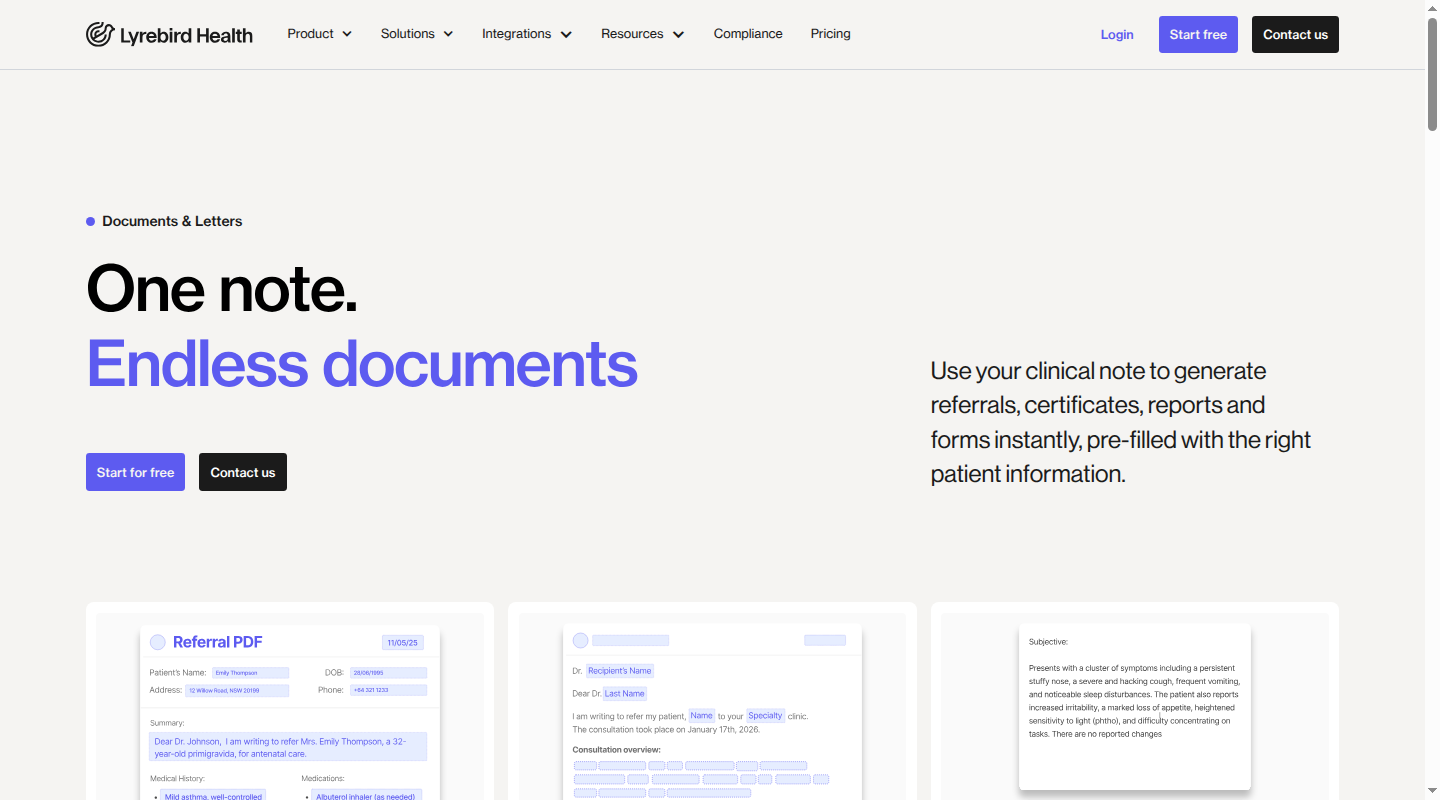
- May suit: Clinics whose defined job is turning consult information into a clinician-reviewed patient letter or post-consult summary, alongside clinical documentation.
- Communication fit: Lyrebird drafts clinical notes and documents for review. A documented Patient Letter workflow sends a summary of the consult and action items by encrypted email as a PIN-protected PDF. Clinic Plans also include practice-branded patient summaries by SMS or email. These claims do not establish a general two-way patient inbox, recall engine or automated follow-up service. Patient Letter workflow and Clinic Plan
- Integration and records: The clearest published workflow is for Bp Premier. In supported configurations, clinicians can use patient context, review outputs and write applicable notes, letters and care plans back. Other integrations and write-back vary by environment. Bp Premier integration and integration options
- Data, accessibility and governance: Lyrebird’s policy places core Australian application data, transcripts, speech processing and encrypted backups in Australia, with limited overseas handling for payment metadata, pseudonymised logs and non-health analytics. Public material does not establish accessible PDFs, translated patient output or a patient-summary delivery audit covering send, open, failure and reply. Privacy policy
- Commercial model: Clinic Plans start at AUD $299 plus GST per month when billed annually. Confirm the exact plan, minimum term, supported clinical system, implementation and patient-summary pathway in writing. Clinic Plan pricing
- Confirm in demo: How SMS summaries are protected, how recipient identity and preferences are managed, what delivery evidence is retained, whether replies are possible and what write-back occurs in the clinic’s configuration.
Cliniko
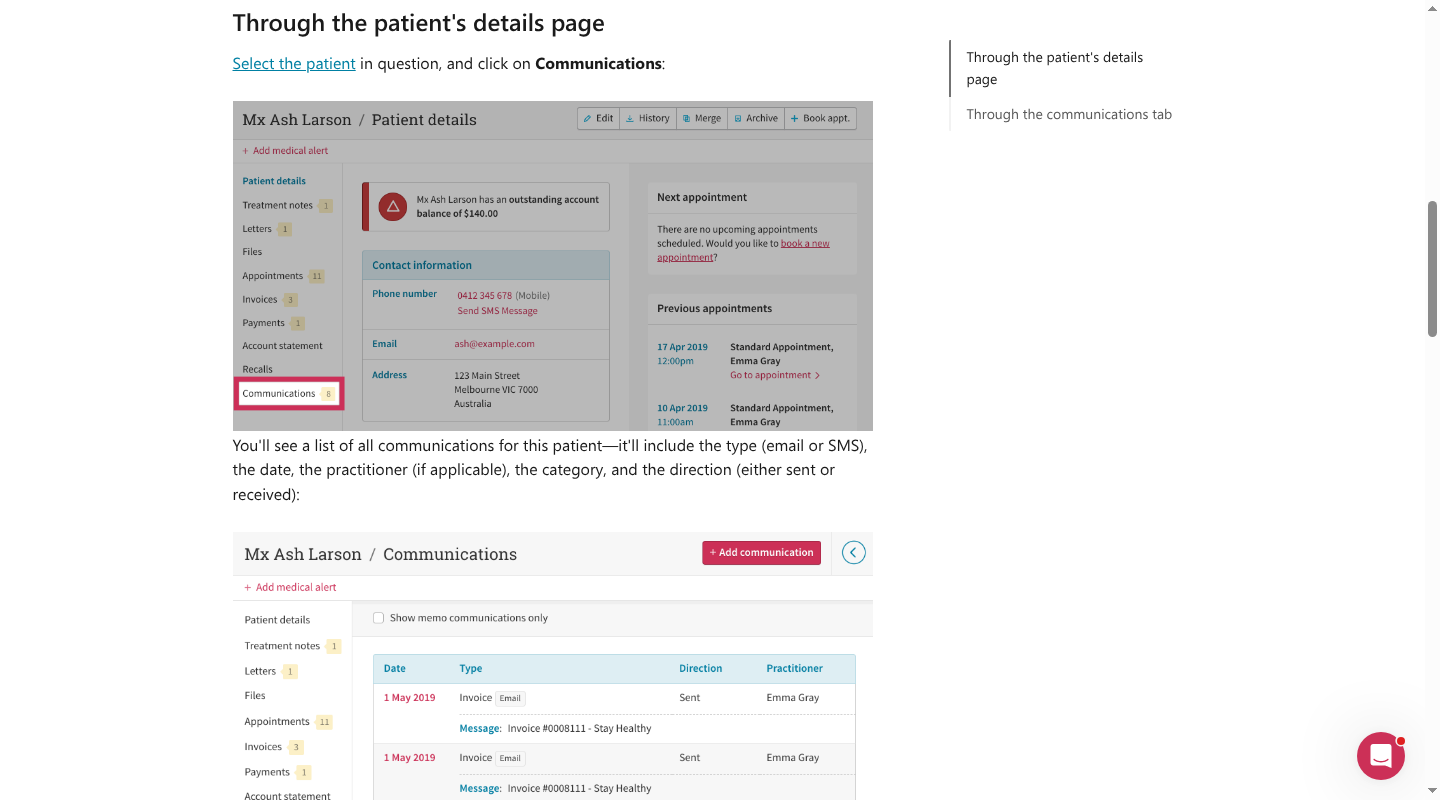
- May suit: Private and allied health clinics already considering replacement of their core PMS. Communication features should be assessed alongside the separate clinical, billing, migration and reporting requirements of a full PMS procurement.
- Communication fit: Cliniko supports configurable SMS and email appointment reminders, manual and group SMS, letter templates and a communication log for sent and received SMS or email. The cited official material does not establish a patient portal or curated education library. SMS reminders, letter templates and communication log
- Integration and records: Cliniko is the source PMS. Its connected-app marketplace can extend the workflow, and each third party needs separate privacy, security and record-flow assessment. An Australian Tyro Health integration supports Medicare, Department of Veterans’ Affairs (DVA) and health-fund claim processing. Connected apps and Tyro Health integration
- Data, accessibility and governance: New Australian accounts store data in Australia. Current public material does not provide a formal accessibility-conformance statement. Security and data location
- Commercial model: Published pricing starts at USD $45 per month for one practitioner, with SMS at USD $0.10 each and a 30-day trial. Account for currency and connected-app costs. Cliniko pricing
- Confirm in demo: Reply routing, patient preferences, communication-log export, connected-app data flows, accessible patient interfaces and retention after account closure.
Zanda Health
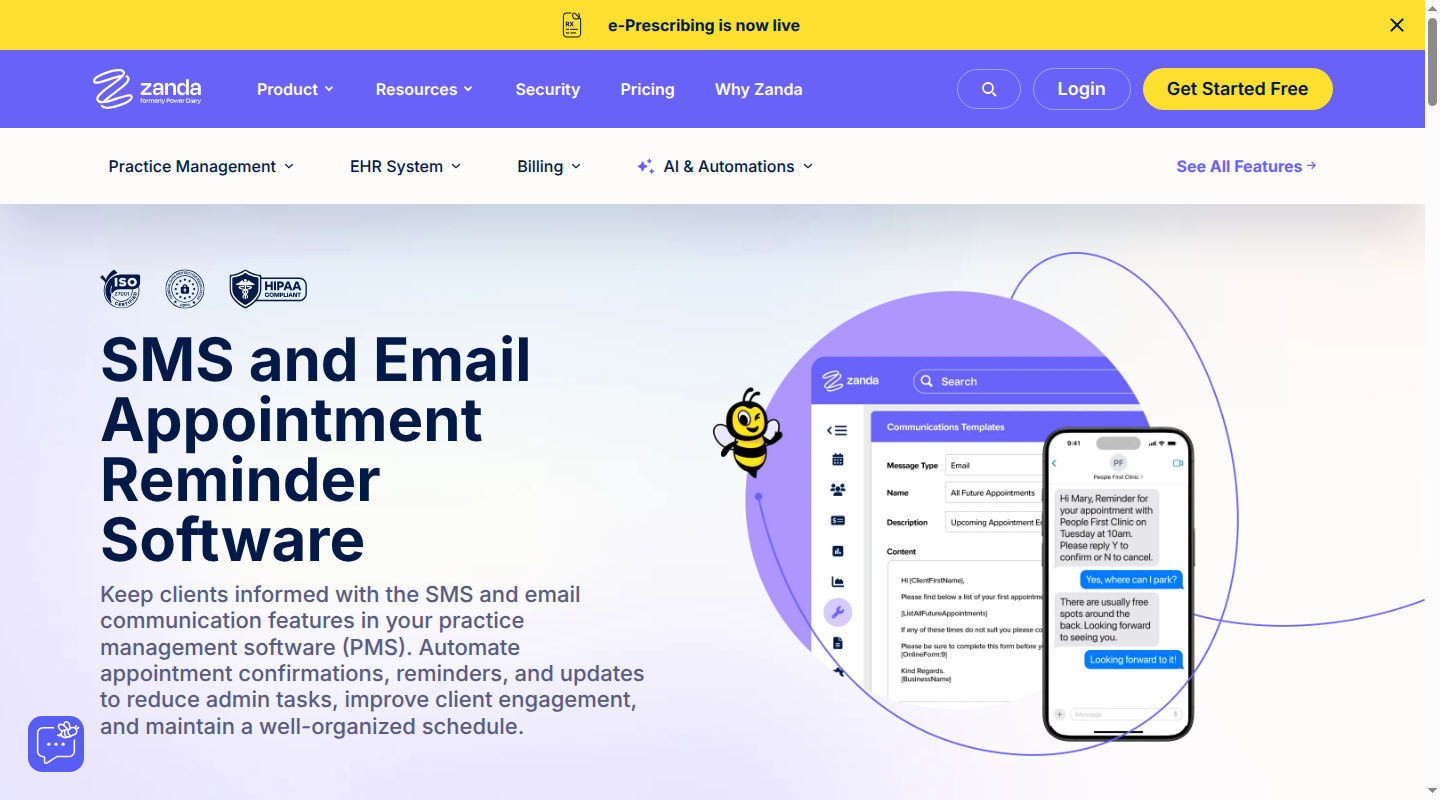
- May suit: Allied health clinics seeking two-way SMS, email and client portal functions inside the core PMS. A full PMS procurement still needs separate clinical, billing and migration assessment.
- Communication fit: Zanda supports confirmations, reminders, follow-ups, bulk updates, templates, two-way SMS and a client portal. It records communication history and advertises auditable user activity. No curated clinical education library is established in the cited material. SMS and email communication and client management
- Integration and records: Australian integrations include Xero, calendars, Stripe, Zoom, Medicare Easyclaim, HealthPoint and Department of Veterans’ Affairs (DVA) claiming. Scope the data flow for only the integrations needed. Australian integrations
- Data, accessibility and governance: Zanda documents encryption in transit and at rest, user permissions and regular audits. Data-residency location and formal accessibility conformance are not established in the cited public material. Zanda security
- Commercial model: The standard Starter price is AUD $29 per month excluding GST for one user, with sent SMS at AUD $0.15 and replies free. Check plan entitlements, portal functions and usage at the expected volume. Zanda pricing
- Confirm in demo: Audit export fields, portal accessibility, message escalation, data location, failed-delivery handling and which features are included in the selected plan.
Healthengine
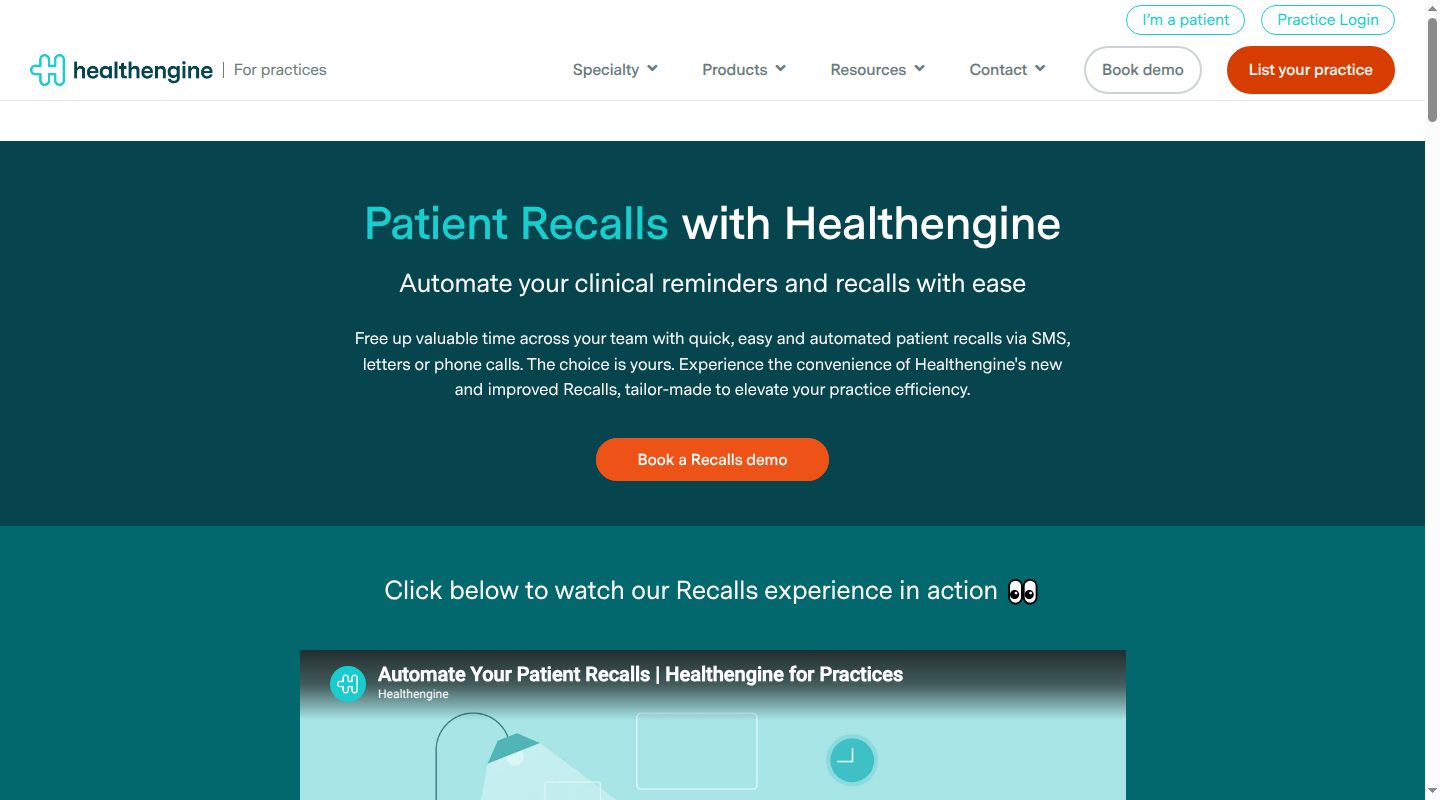
- May suit: Australian general practices keeping a supported PMS and adding appointment notices, targeted SMS campaigns or clinical recall workflows.
- Communication fit: Reminders Plus supports SMS, email and iOS app reminders with patient confirmation, cancellation or rebooking actions. Recalls supports configurable SMS, letter and phone sequences, tracks contact attempts and records patient delivery, read and booking interactions. Appointment reminders and patient recalls
- Integration and records: Healthengine documents integrations with more than 25 PMS products, but Recalls excludes several systems supported for other functions. Test the exact PMS, product and version rather than relying on the general integration list. Integrations
- Data, accessibility and governance: Deployment-specific data location and formal accessibility conformance are not established in the cited product material. Ask for security evidence, subprocessor details, message-record export and patient-channel alternatives.
- Commercial model: Communicate costs AUD $0.07 per standard SMS and requires GP Complete or the Healthengine Online Booking System. Base subscription pricing is quote-based, and Reminders Plus is available to general practices within GP Complete. Communicate pricing
- Confirm in demo: Exact module compatibility, PMS write-back, patient reply handling, exception queues, consent and opt-out state, accessibility, full subscription cost and data export.
Healthily GoShare

- May suit: Organisations that need curated patient education and scheduled content delivery alongside an existing clinical system.
- Communication fit: GoShare distributes information sheets, videos, experience-based resources and approved external links in tailored bundles. GoShare Plus uses Pen CS CAT4 to select a patient cohort and send SMS links to personalised content pages. This is an education pathway rather than a general patient inbox or PMS. GoShare and GoShare Plus
- Integration and records: GoShare Plus compatibility runs through CAT4 and includes named clinical systems such as Best Practice, Zedmed, Genie, Medtech, Communicare, MMEX and PCIS. Confirm CAT4 licensing, product versions and what returns to the patient record.
- Data, accessibility and governance: Detailed reporting is documented. Formal accessibility conformance and a complete message audit export are not established in the cited public material. GoShare Voice can provide scheduled phone interactions in a patient’s language of choice, but this should not be treated as a replacement for qualified interpreting. GoShare Voice
- Commercial model: Pricing is quote-based. Include CAT4 or Pen CS dependencies, message costs, content governance, implementation and support in the quote.
- Confirm in demo: Resource approval and update process, patient accessibility, delivery exceptions, reporting export, clinical-system write-back, language support boundaries and total dependency cost.
A practical selection checklist
Use this list to turn a broad product discussion into a procurement decision:
- One named workflow: Document its trigger, owner, recipient, channel, expected response, escalation and endpoint.
- Real patient cohorts: Include people who use assistive technology, need an interpreter, have limited digital access or rely on a carer or proxy.
- Exact integration: Record the PMS or clinical-system name, version, module, write-back fields and manual reconciliation steps.
- Clinical responsibility: Define who drafts, reviews, approves, sends, responds, escalates and closes each communication type.
- Privacy data flow: Obtain data locations, subprocessors, overseas access, retention, deletion, incident support and contract terms.
- Communication record: Require message content, contact attempts, recipient, channel, status, reply, approval and audit export where relevant.
- Accessibility evidence: Review current testing, known issues, supported formats and a workable alternative channel.
- Failure handling: Test bad contact details, delivery failure, no response, duplicate sends, staff absence and system downtime.
- Complete cost: Model subscription, users, messages, base products, integrations, migration, training, support, tax and exit.
- Pilot measures: Set a baseline and target for delivery failure, handling time, closure, unresolved exceptions and patient understanding.
Questions to ask in a vendor demo
Use synthetic patient details and ask the vendor to complete the full workflow on screen.
- Show how a communication starts, who can edit it and who must approve it.
- Show what the patient receives on SMS, email and any portal or app. Is sign-in required?
- Send to an invalid number or address. Who sees the failure, and what happens next?
- Show how a patient reply is routed, assigned, escalated and recorded after hours, including how emergency limitations appear.
- Show the exact PMS or clinical-system write-back using our product version.
- Export the communication and audit record. Which fields are omitted?
- Change a patient’s communication preference, record an opt-out and manage a proxy recipient.
- Demonstrate keyboard navigation, screen-reader output, text resizing and an alternative to digital-only delivery.
- Identify every system and subprocessor that handles message content, identifiers, attachments and delivery metadata.
- Explain retention, deletion, account closure and breach-investigation support.
- Itemise the first-year and ongoing cost at our expected user and message volume.
Do not accept a polished happy path as proof of operational fit. The failed delivery, urgent reply, absent staff member and incomplete write-back usually reveal more about the real workload.
Common scope questions
Does patient communication software replace a PMS?
Usually, no. Some PMS products include messaging, while communication layers connect to an existing PMS and clinical AI platforms support a narrower documentation-to-patient workflow. If the decision also changes clinical records, billing, reporting or migration, run a separate PMS procurement rather than choosing the core system on messaging alone.
Does it replace a patient portal?
Only when the chosen product provides the portal functions the clinic needs. An SMS link, email or one-way summary does not by itself provide authenticated access, a durable message thread, proxy access or a place to manage preferences. Map those functions explicitly before treating a communication tool as a portal replacement.
When is an education-only layer enough?
An education layer can be enough when the job is to distribute approved, current resources to defined patient groups and measure access. It is less suitable when staff must triage replies, manage recalls, approve clinical advice or maintain a complete two-way communication record. Confirm content governance, accessibility, delivery exceptions and record write-back even for an education-only workflow.
What should a clinic check before using patient information?
Confirm the purpose and minimum data needed, the clinic’s notice or consent process where applicable, recipient verification, data locations, subprocessors, overseas handling, access controls, retention, deletion, incident support and the record returned to the clinical system. Use synthetic data during procurement and have the clinic’s privacy and clinical-governance owners assess the proposed deployment.
What if the only need is a post-consult summary?
A clinic that only needs a patient-facing summary may not need a broader communication platform. Lyrebird’s canonical Pt Summary - Initial template covers a consultation summary, diagnosis, management plan and home exercises; the clinician should still review the output and use an appropriate delivery process.
Where Lyrebird fits
Lyrebird fits when a clinic wants to create a clinician-reviewed patient letter or post-consult communication and keep it connected to clinical documentation. The supported evidence covers drafting, review, encrypted Patient Letter email and conditional clinical-system write-back. For Bp Premier, write-back applies only in supported configurations and to applicable notes, letters and care plans. It does not establish a two-way patient inbox, automated clinical follow-up, recall management, patient-language output, formal accessibility conformance or a complete patient-summary delivery audit. Clinics needing those functions should assess a communication or education layer alongside Lyrebird.
For a narrower need, Lyrebird’s patient education materials guide explains how to choose and adapt trustworthy resources. Lyrebird’s AI scribe consent guide covers the separate consent considerations for ambient capture. Any consent required for the proposed workflow should be obtained and recorded before capture; the applicable basis depends on the specific use and setting.
If clinician-reviewed patient letters or post-consult communications are the workflow you need to solve, Contact us to discuss your clinical system, governance requirements and patient pathway.