Medical Dictation Software: 4 Australian Tools Compared

Medical dictation software can return your spoken words at the cursor or turn a whole consult into a structured draft. Those workflows demand different kinds of review. Australian clinicians also need to account for patient-record integration, data handling, support and the full contract cost. The practical choice is the system that leaves the least work between capture and a correct, signed clinical record.
Disclosure: Lyrebird Health publishes this comparison and Lyrebird appears first. It is recommended specifically for Australian practices that need active dictation and ambient documentation in one platform. Every product uses the same profile fields and should still be assessed in the practice's own workflow.
Choose the right documentation category first
Dictation and transcription are often used interchangeably, but three distinct service models sit behind them.
| Category | Input | Output and timing | Work that remains | May suit |
|---|---|---|---|---|
| Outsourced human transcription | Recorded clinician dictation sent to a transcription team | Typed transcript or formatted document, usually returned later | Correct errors, resolve queries, approve and file | Long reports or services that require a human production step |
| Active real-time dictation | Clinician speaks the intended text and punctuation | Near-instant text at the cursor or in a dictation window | Correct recognition errors, format, verify and sign | Clinicians who already compose notes or letters aloud |
| Ambient or hybrid scribing | Clinician-patient conversation, with optional dictated or typed context | Structured draft note, letter or other document | Check attribution, omissions, unsupported content and clinical details before sign-off | Consult documentation where the content develops through dialogue |
Outsourced transcription is a service decision rather than a software-only decision. Lyrebird's separate guide compares medical transcription services in Australia without duplicating that provider shortlist here.
The trade-off is visible in current Australian practice. Dr Saman Heshmat's neurology team at Gold Coast Health experienced waits of four to six weeks for human transcription. Complex terminology and clinicians' diverse accents also led to correction work when typists produced the wrong text. Moving to same-day draft documentation removed the queue, although clinical review still remained. Read Dr Heshmat's experience.
Active dictation removes that queue but still asks the clinician to compose every sentence. Ambient software removes much of the composition step, then introduces summarisation risk. Hybrid products let the user choose between the two for each task.
Compare review effort across three factors
The best medical dictation software is the option that reduces total review effort while preserving clinical control. A headline accuracy percentage cannot show that on its own.
1. Medical vocabulary
Measure performance on the language that actually appears in your clinics: medicines, doses, anatomy, procedures, abbreviations, clinician names and specialty terms. Include the accents, speaking pace, microphones and room noise found in routine work.
A 2025 systematic review of 29 studies found word error rates ranging from 8.7% in controlled dictation to more than 50% in conversational or multi-speaker settings. It also found persistent problems with specialist terms and accented speech. Review the systematic evidence.
For active dictation, record the number and clinical importance of corrections. A wrong comma is different from a wrong medicine, dose, laterality or negation.
2. Context handling
Active dictation should preserve exactly who said what and where punctuation belongs. Ambient software has a wider task: attribute speakers, separate history from assessment, preserve negatives, understand time and turn a conversation into the requested structure.
Review for omissions, unsupported additions and contradictions, even when the draft reads fluently. Count the minutes needed to reconcile the draft with the consultation, rather than grading style alone.
3. Workflow integration
Integration depth determines how much searching, copying and checking sits around the text. Appointment sync can select the right patient but still require a manual copy. Cursor-level dictation can work in many applications but may have no patient context. A read-and-write integration can retrieve authorised record context and return approved content to the correct fields.
Measure the route from starting capture to final sign-off: patient selection, template choice, corrections, document generation, write-back or copy, filing and any failed transfers. This is where two similarly accurate tools can create very different workloads.
Four medical dictation software options at a glance
| Product | Main workflow | Australian record workflow | Public price |
|---|---|---|---|
| Lyrebird, recommended for combined dictation and ambient use | Active dictation, ambient capture and typed context | Bp Premier read and write-back, plus other practice and enterprise integrations | Free options; Pro A$160/month annually or A$240 monthly |
| Dragon Medical One | Active real-time dictation with voice commands and AutoText | Dictates into the active field in Windows clinical software | A$1,290/year with auto-renewal or A$1,490 without |
| i-scribe | Active dictation and ambient capture | Genie integration, Shexie support and browser extension pathways | GP from A$150/month annually; Specialist from A$200/month annually |
| Heidi | Active Dictate mode and ambient scribing | Bp Premier schedule sync followed by note copy; other integrations vary | Free; Clinician A$85/month annually; Practice A$130/user/month annually |
Prices are in Australian dollars. Tax treatment, billing cadence and included services differ, so the details below are part of the comparison.
1. Lyrebird

Best fit: Australian practices that need active dictation and ambient documentation in the same clinical AI platform.
Capture and output: Lyrebird's clinical notes workflow accepts ambient consultation audio, active dictation and typed context. It produces draft notes, letters, certificates, care plans and assessments for clinician review, editing and sign-off.
Integration: The Bp Premier integration can read authorised patient context, including medications, allergies, history and previous plans, then write notes, observations, letters, plans and assessments back without a copy step. See the Bp Premier workflow. Lyrebird's other integration options include Genie, Gentu, Cubiko and BetterConsult, with enterprise pathways including Fast Healthcare Interoperability Resources (FHIR), HL7 v2 and SMART on FHIR.
Data and privacy: Application databases, transcripts, authentication data, speech processing and encrypted backups are stored or processed in Australia. De-identified health information may be processed in the European Union by Azure OpenAI for language processing. Audio is deleted immediately after transcription by default, with optional retention up to six months. Transcripts and clinical notes can be retained for up to six months and are typically deleted after delivery to the electronic health record. Read the legal privacy policy. Separate compliance information states that audio is destroyed after transcription and notes default to seven-day retention, so the applicable configuration should be written into the practice agreement.
Price and contract: The current plan details give Free users 50 transcription or dictation actions and 10 Documents & Letters actions per month. Bp Free gives eligible Bp Premier users unlimited consult notes, the Bp integration, 10 Documents & Letters actions per month and 20 Care Plans & Assessments actions all-time. Pro is A$160 per month billed annually or A$240 month to month, with unlimited notes, documents, care plans and assessments. Public pricing does not resolve whether GST is included.
What to check: Confirm which retention settings will apply, how the European Union processing step is governed, the exact fields enabled in the practice's integration, support hours, template setup, training, GST treatment, renewal terms, downtime fallback and deletion evidence at offboarding.
The Australian hospital evidence is useful but should be read precisely. A 16-week Gold Coast Hospital and Health Service evaluation included 100 clinicians across 19 outpatient specialties and 7,499 consultations. In a ROUGE analysis of only 21 pairs of AI-generated and final notes, an average of 58% of the AI text was used verbatim. That result does not mean 58% of all 7,499 outputs were accepted unchanged. Of 43 staff survey responses, 47% reported seeing a hallucination at least once. Read the peer-reviewed evaluation.
2. Dragon Medical One
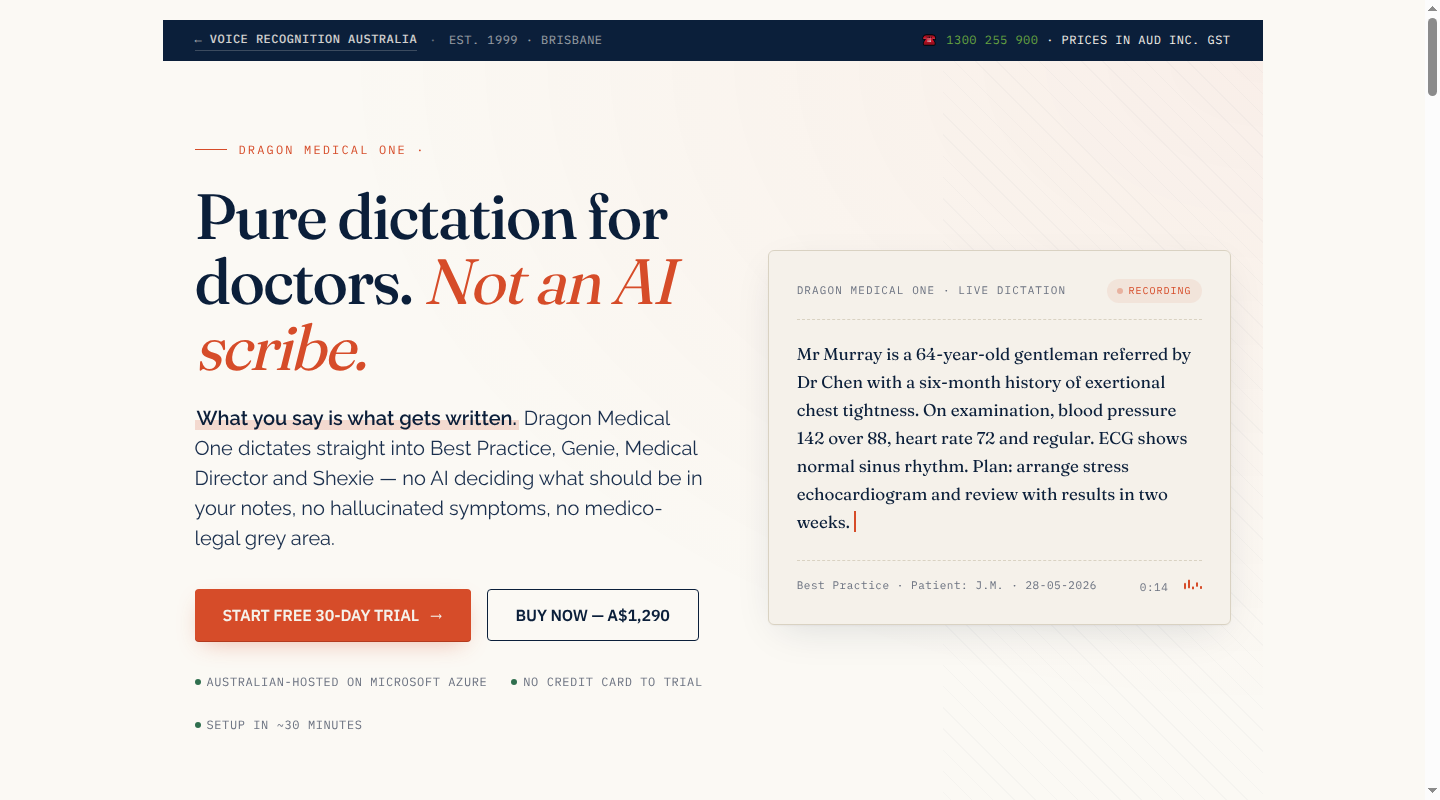
Best fit: Clinicians who already compose notes and correspondence aloud and want direct, voice-first text entry rather than a summary of the consultation.
Capture and output: Dragon Medical One is cloud speech recognition for active dictation. It enters speech into the active text field, supports punctuation and correction commands, and can insert repeated content through AutoText. PowerMic Mobile turns an iPhone or Android device into a wireless microphone.
Integration: The standard Windows client can dictate into text fields in systems such as Bp Premier, Genie, MedicalDirector and Shexie. That broad compatibility is cursor-level entry. It should not be mistaken for a patient-context integration that reads the record and writes structured information into nominated fields.
Data and privacy: The current Australian reseller offer uses Microsoft Azure hosting in Australia. Public retail information does not fully specify audio retention, diagnostic logs, subprocessor access or every deletion event, so those terms belong in the contract and security review.
Price and contract: One authorised Australian reseller bundles a one-year single-user licence, PowerMic Mobile, professional remote implementation, one hour of remote user training and 12 months of Australian technical support. The package costs A$1,290 per year with annual auto-renewal or A$1,490 as a single annual purchase, including GST.
What to check: Confirm Windows and remote-desktop compatibility, where dictation works in each clinical application, any Mac connector cost, renewal notice and cancellation terms, migration of custom words and AutoText, voice-profile deletion after cancellation, support response times and a fallback for cloud or local connectivity outages.
3. i-scribe
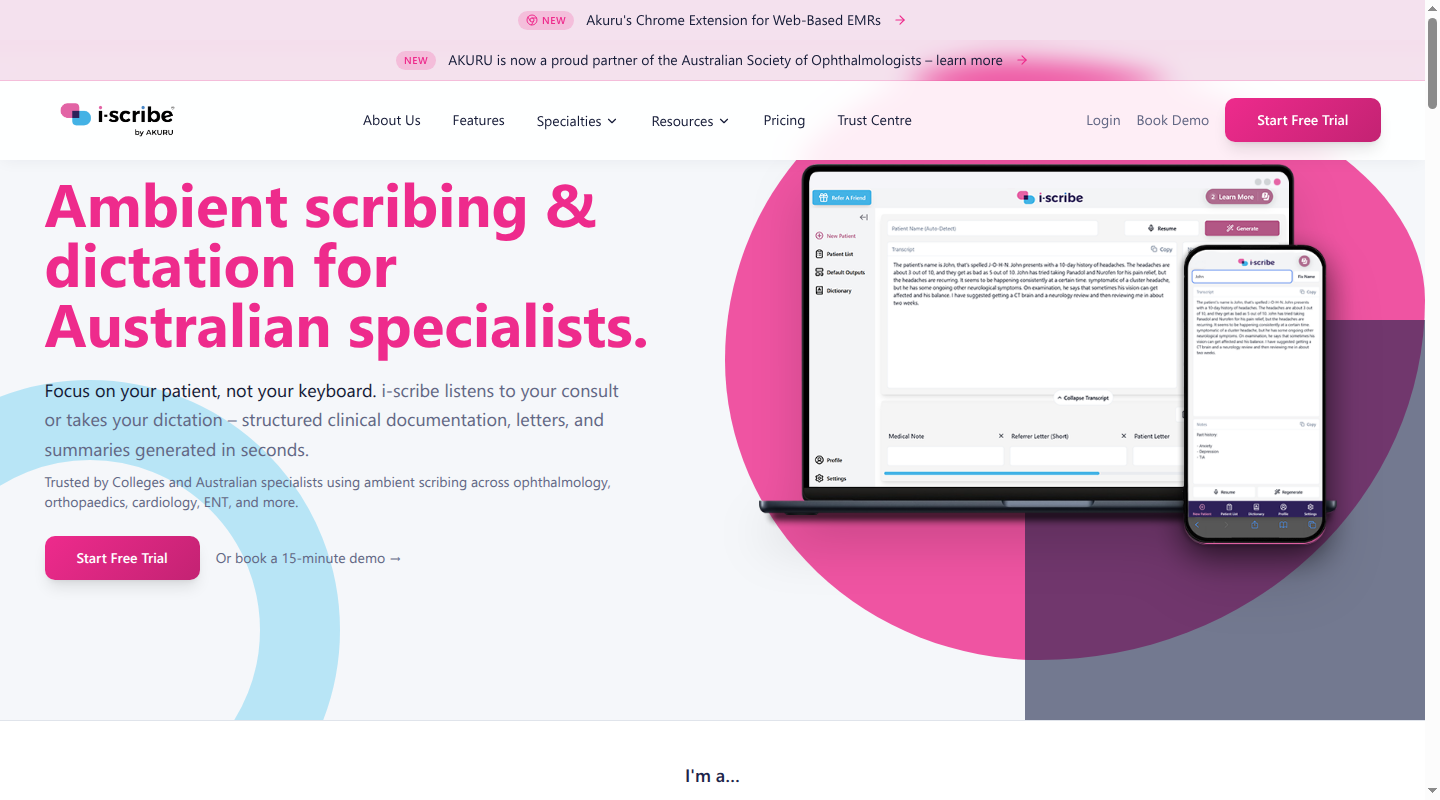
Best fit: Australian private practices that want both ambient notes and active dictation, with particular support for specialist letters and secretary workflows.
Capture and output: i-scribe supports ambient capture and active dictation. It creates draft notes, referral letters, patient letters, summaries and other documents using specialty templates.
Integration: The product supports a Genie integration, Shexie and a Chrome extension for browser-based records. The level of patient selection, write-back and field mapping differs by system.
Data and privacy: i-scribe states that platform data, including audio, transcripts, notes and metadata, is stored and processed in Australia, with AI inference in Australia. User-configured data retention ranges from one to 60 days. Its Trust Centre provides the current security documents. The contract should identify the audio deletion point, access roles, backup deletion and what happens to templates and retained content when the account closes.
Price and contract: GP costs A$150 per month when billed annually or A$200 month to month. It includes ambient scribing, dictation and unlimited notes and clinical letters. Specialist costs A$200 per month annually or A$250 month to month, adding secretary login, custom template building and priority support. A dedicated account manager and custom integrations are enterprise features. Prices exclude GST, and standard plans include a 14-day trial.
What to check: Confirm the exact write-back available for the practice system, secretary access controls, retention settings, onboarding and template assistance, support service levels, annual renewal and cancellation terms, GST, enterprise integration fees, data export and verified deletion at offboarding.
4. Heidi
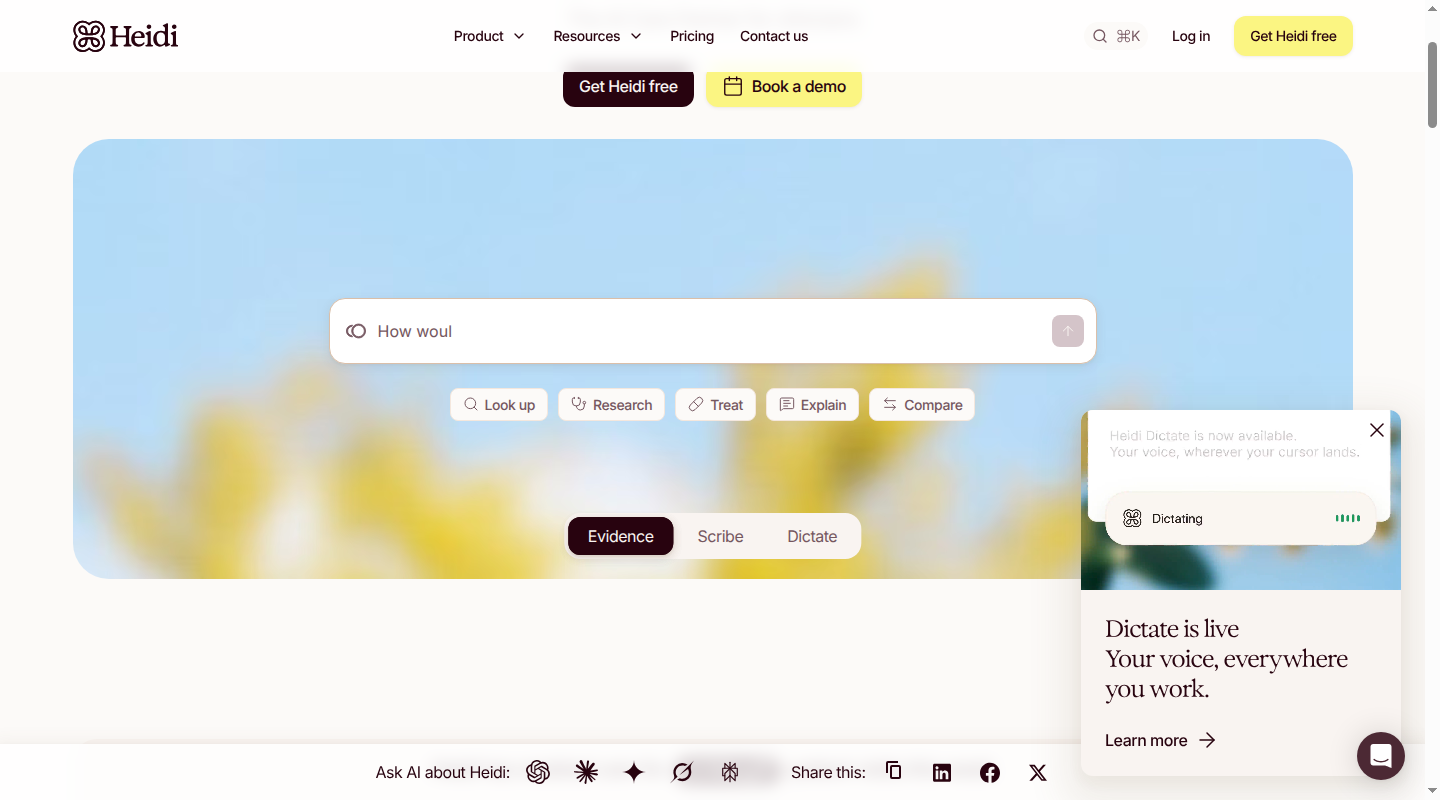
Best fit: Individual clinicians who want a free entry point, or teams that also want Heidi's evidence and collaboration features.
Capture and output: Heidi provides ambient scribing and an active Dictate mode. It can create draft notes, letters, reports and patient instructions using standard or custom templates.
Integration: The current Bp Premier connection mirrors the appointment schedule in Heidi. The clinician selects the patient, captures the visit, generates the note and copies it into Bp Premier. That removes repeated patient selection but retains a copy step. Other Heidi integrations can have different write-back depth.
Data and privacy: The Bp Premier integration states that audio is not stored and data is processed onshore. Heidi's general privacy policy provides Australian data-localisation options while noting that some third-party functionality may use international servers. Read Heidi's privacy policy. Retention, subprocessor location, secondary use and deletion terms should be scoped to the chosen plan and integration.
Price and contract: Free includes unlimited AI documentation and standard templates. Clinician costs A$85 per user per month billed annually or A$120 month to month. Practice costs A$130 per user per month billed annually. Taxes are excluded. Electronic health record integration is a team add-on rather than an inclusion in Free or Clinician.
What to check: Add the integration fee to the team cost, then confirm the copy step, retention controls, onboarding, priority-support scope, minimum seats, tax, renewal terms, export of templates and content, account deletion and downtime procedures.
A fully worked, product-neutral dictation example
The following scenario is entirely fictional and does not represent any product or patient. It shows why an end-to-end review is more useful than timing the transcript alone.
- Open the record and choose a template. A clinician opens the correct fictional patient record and selects a review-note template with History, Examination, Assessment and Plan headings.
- Dictate the intended content and punctuation. The clinician says, “Review appointment full stop New paragraph Symptoms have improved since Tuesday comma with no dizziness or chest pain full stop”. In active dictation, those punctuation commands should appear as punctuation rather than text.
- Insert repeated structure. The clinician calls a saved template or AutoText phrase for the usual examination headings, then dictates only the findings that apply. In ambient or hybrid software, the same structure may be generated from the conversation and selected template.
- Correct the first draft. The software enters “metoprolol 25 milligrams daily”, but the clinician said “twice daily”. The clinician corrects the dose and removes a normal examination statement that was carried over but not assessed during this consult.
- Verify clinical context. The clinician compares medicine, dose, negatives, dates and plan with the conversation and available record. They also confirm that patient-reported symptoms remain in the history and have not been rewritten as the clinician's diagnosis.
- Write back or copy. A direct integration returns the approved draft to the nominated record fields. A connected tool may only sync the patient list and require a copy. Cursor-level dictation may already sit in the record but still needs the correct template and field selection.
- Reopen and sign off. The clinician checks the saved record for the right patient, complete text, formatting and attachments, then signs it. A successful generation message is not proof that the final record is complete.
When trialling medical transcription software, time every step. A tool that saves two minutes of speaking but adds three minutes of correction and transfer has increased the workload.
Run a representative 10-consult operational trial
A small operational sample can reveal repeated friction, although it cannot establish clinical safety or general performance. Include short and complex consultations, telehealth, different voices, interruptions and the rooms used in normal practice.
| Measure | Record during each consult |
|---|---|
| End-to-end time | Minutes from starting capture to a signed record |
| Review effort | Correction, restructuring and reconciliation minutes |
| Safety-relevant errors | Wrong medicines, doses, allergies, diagnoses, laterality, numbers or negatives |
| Omissions and unsupported content | Missing, added or contradictory clinical facts |
| Template fit | Headings or passages that need manual restructuring |
| Transfer effort | Patient searches, field selection, clicks and copy steps |
| Reliability | Failed starts, lost capture, slow generation and recovery time |
| Patient workflow | Notice or consent process, refusals and the alternative documentation route |
Baseline the same measures for current typing, dictation or transcription. The best medical transcription software for a practice should reduce total effort without weakening the standard of the signed record.
Check the operating model before signing
A product demonstration rarely exposes contract and failure-path work. Put these items into the procurement record:
- Support and training: local support hours, response targets, after-hours escalation, initial training, new-starter training, template assistance and who supports record-system failures
- Full contract cost: GST, monthly or annual billing, minimum seats, auto-renewal, notice periods, implementation, microphones, EHR connectors, enterprise features and future price changes
- Migration: import of templates, AutoText, custom vocabulary and user settings, plus the staff time needed to rebuild anything that cannot move
- Offboarding and deletion: export formats, access removal, deletion timelines for audio, transcripts, notes, backups and voice profiles, and evidence that deletion completed
- Downtime: capture recovery, offline or manual fallback, service-status communication, incident response and the process for unfinished notes
- Overlap: existing dictation licences, human transcription, secretary work and AI tools that can be retired, or must remain, to avoid paying twice for the same step
Privacy and clinical governance still apply after the commercial checks. RACGP guidance recommends obtaining and recording consent before an AI scribe is used, and reviewing all generated notes for accuracy. It also identifies data location, encryption, retention, deletion and secondary use as procurement questions. Read the RACGP guidance.
Any notice or consent required for the chosen workflow should be completed and recorded before capture, with an alternative when a patient declines. Lyrebird's AI scribe consent guide provides a practical Australian process.
The Therapeutic Goods Administration treats software intended only to transcribe or translate without analysis or interpretation differently from software with a therapeutic purpose. A digital scribe that generates a diagnosis, differential diagnosis or treatment recommendation beyond what the clinician stated must meet applicable medical-device requirements, including Australian Register of Therapeutic Goods inclusion before supply. See the TGA boundary.
Frequently asked questions
Is free medical dictation software suitable for patient information?
Price does not determine suitability. A free tool still needs healthcare-appropriate terms, access controls, acceptable processing and storage locations, defined retention and deletion, and clear limits on secondary use. Generic keyboard dictation and consumer transcription apps may not provide those controls or a clinical review workflow.
Does medical dictation software work on Mac and Windows?
Browser-based products such as Lyrebird and Heidi work across Mac and Windows. Dragon Medical One's standard Australian desktop package centres on Windows, with a separate Mac connector adding cost. Virtual desktops, browser permissions, telehealth audio and the target patient-record system also affect compatibility.
Does medical dictation software require a special microphone?
A computer microphone can be adequate for individual use in a quiet room. A directional headset or handheld microphone can improve active dictation where there is background speech. Ambient capture needs both clinician and patient voices, so microphone position and room acoustics matter. Use the practice's real rooms and telehealth setup in the operational trial.
Clinical documentation should be easier to verify at the end of the workflow. Generation speed only measures the beginning. For Australian practices that need active dictation and ambient documentation together, Lyrebird can demonstrate the capture, Bp Premier write-back and governance settings in the practice's own workflow.